30-Day Free Trial for Flight Schools
Put scheduling, student progress, pilot logbooks, maintenance reminders, and training support in one working system for a full month.
Built around actual flight training
One month is enough time to use it with your real operation.
Add your school, invite the people who do the work, and test Pilot Training Tracker with real lessons and aircraft. You can enter billing from your logged-in Settings page at any point. If you do not subscribe, no charge is made.
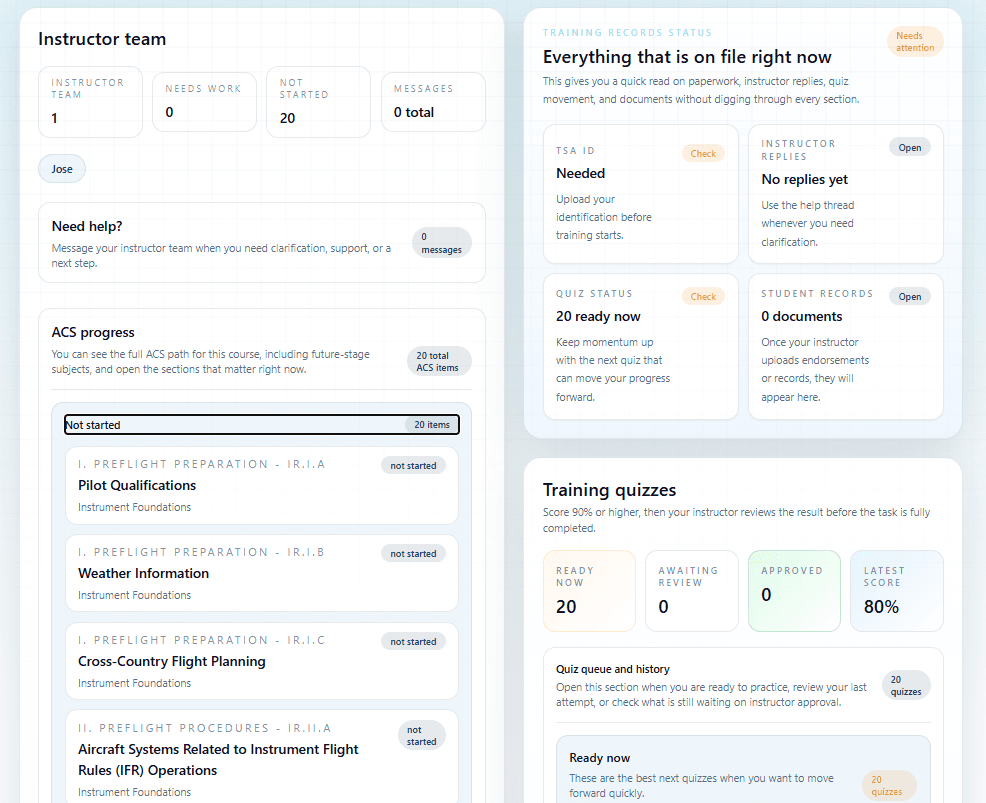
See exactly where each student stands against the ACS.
Instructors record completed Airman Certification Standards tasks as training happens. Students and school staff can see current progress, weak areas, stage requirements, and the next work that matters without rebuilding the story from paper notes.
- Course and stage progress in one view
- ACS task completion tied to each student
- Aeronautical experience and checkride readiness visibility
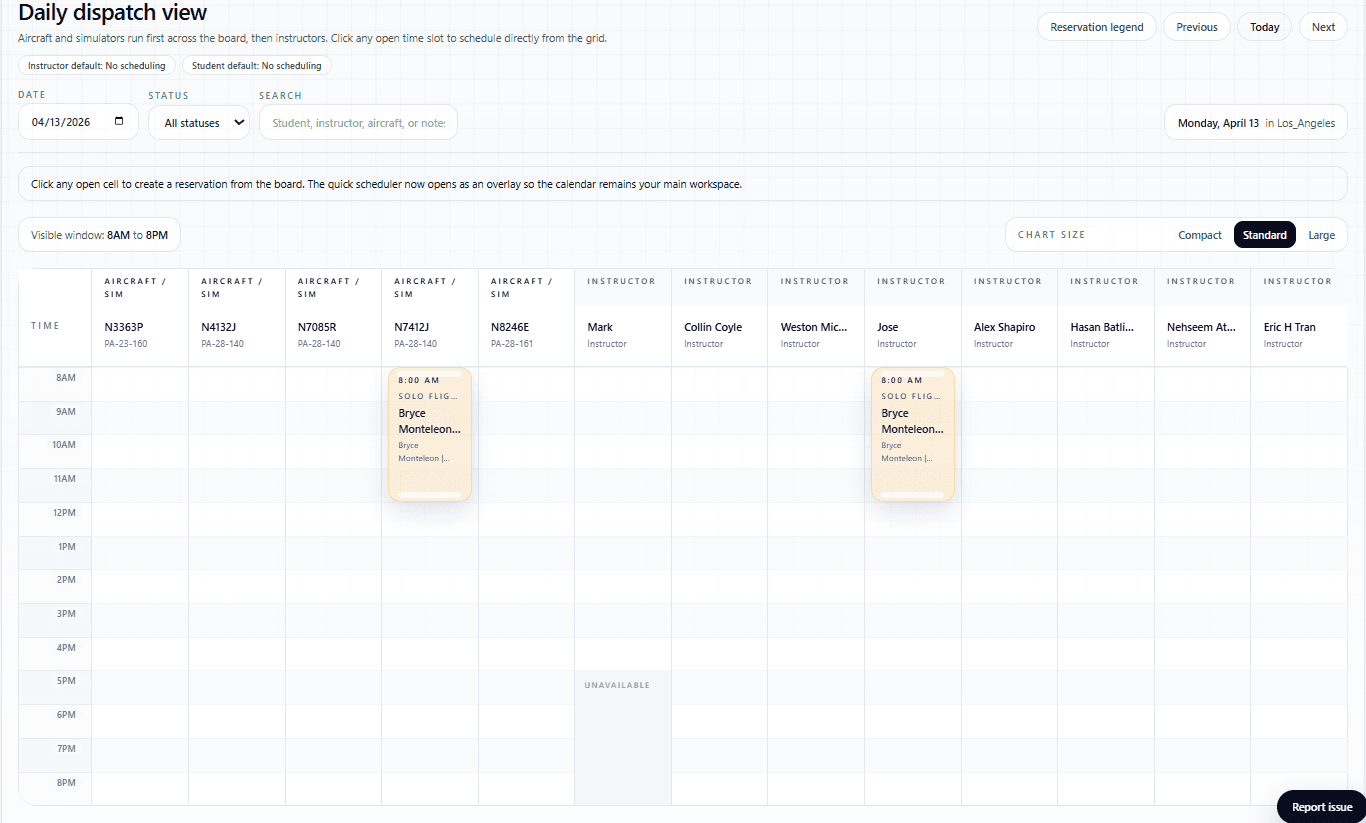
Schedule aircraft, instructors, and students without calendar collisions.
Use daily, monthly, and resource-based schedule views to coordinate lessons and aircraft. Approved time off and maintenance restrictions can block availability, while Google Calendar connections help each person keep their training schedule where they already plan their day.
- Aircraft and instructor availability together
- Google Calendar connection for logged-in users
- Dispatch status, time-off blocks, and maintenance awareness
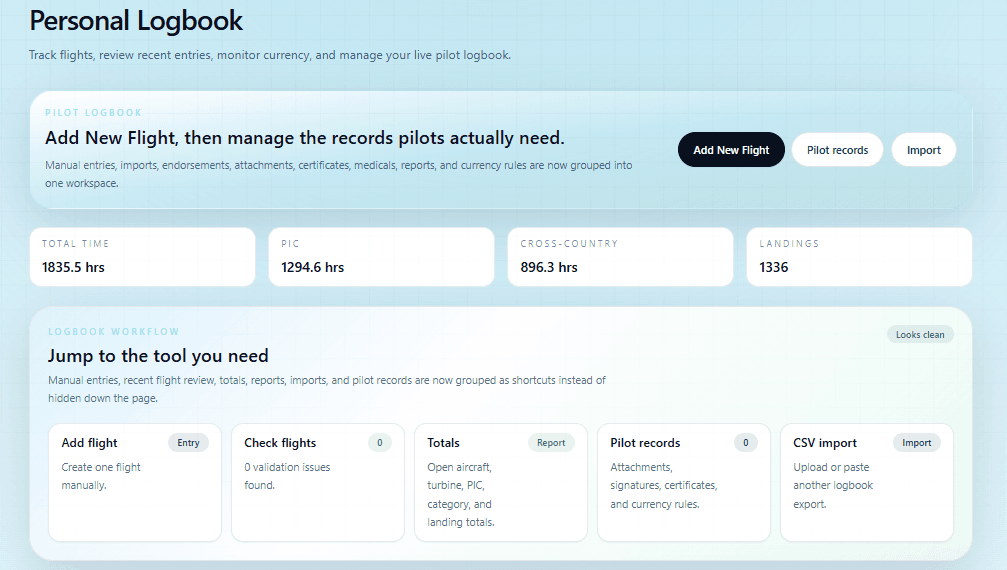
Make flight logging useful for both pilots and training oversight.
Students and instructors can record flights, monitor totals and currency, and use those entries to map aeronautical experience. Pilots with MyFlightbook can connect their account so supported flight and aircraft information stays coordinated across both systems.
- Flight totals, currency, and aeronautical experience
- MyFlightbook account connection and synchronization
- Logbook information feeds readiness and milestone tools
Keep upcoming aircraft maintenance visible before it disrupts the schedule.
Track aircraft status, due dates, meter-based reminders, squawks, and maintenance records in the same operational system used for scheduling. Staff can see when an aircraft needs attention and keep it from being treated as available until the issue is resolved.
- Date and hour-based maintenance reminders
- Aircraft status and squawk visibility
- Maintenance restrictions connected to scheduling
Give students a study assistant with aviation guardrails.
The student AI Coach is designed to help explain training questions using FAA source material rather than open-ended internet answers. It complements instructor guidance and gives students a focused place to work through concepts between lessons.
- Answers grounded in approved FAA source material
- Available inside the student training workspace
- Designed to support, not replace, the student’s instructor
More than the headline features
Keep the rest of the training operation connected too.
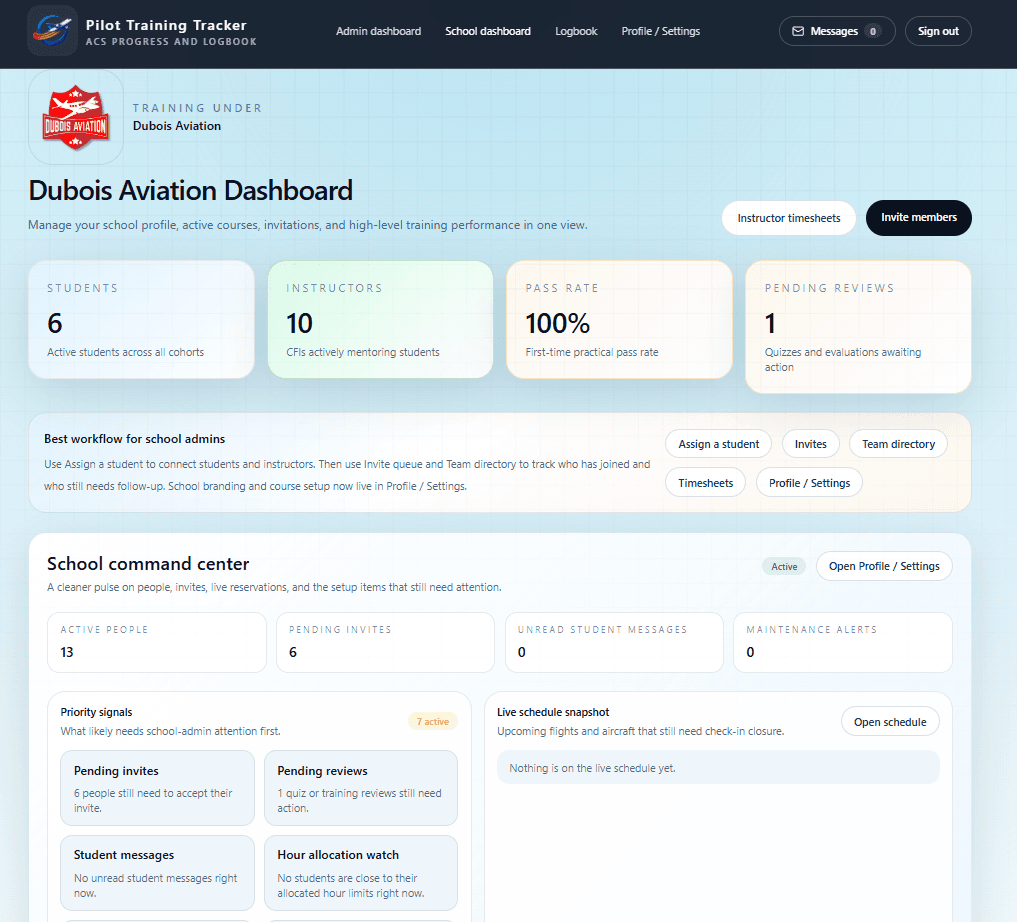
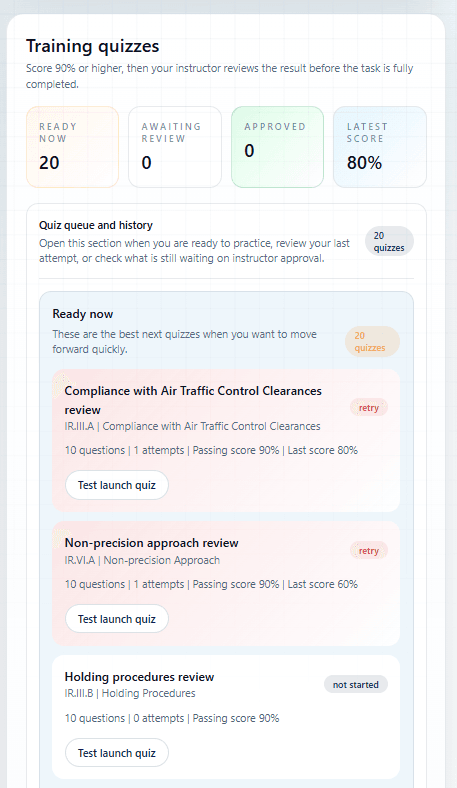
The trial also includes invitations and roster management, course assignments, quizzes and flashcards, endorsements and documents, checkride requests, messages, instructor time off, reporting, reminders, and role-based dashboards.
Start your school workspace
Your 30 days begin after your school is created.
Verify your email, finish the short school setup, and the trial activates automatically. No payment information is requested.
30-Day School Trial
Create your trial account
Use the school administrator's contact information. You can invite the rest of your team after the workspace opens.
I'm a Flight School
Create a school workspace, onboard your team, and manage training operations.